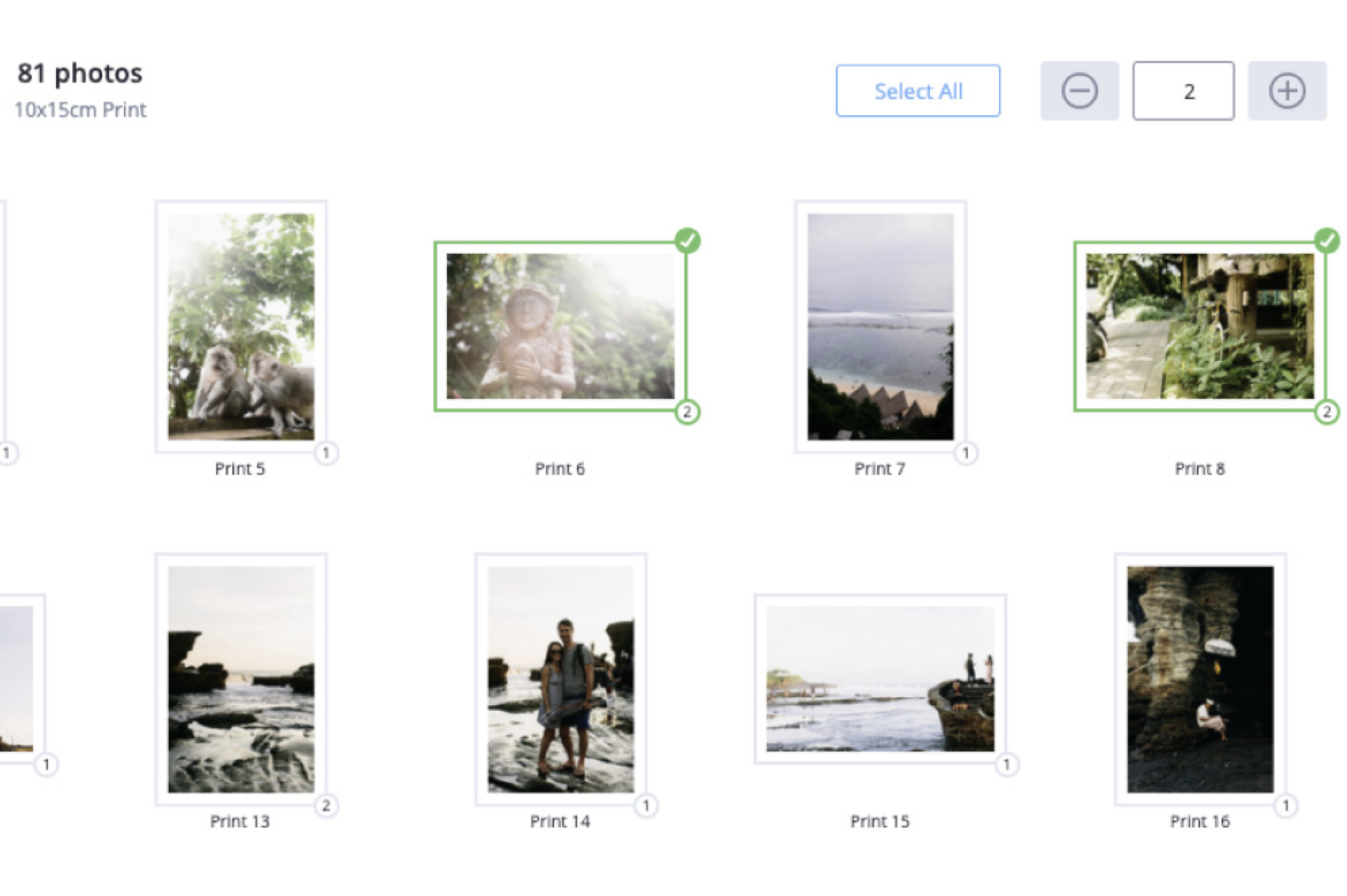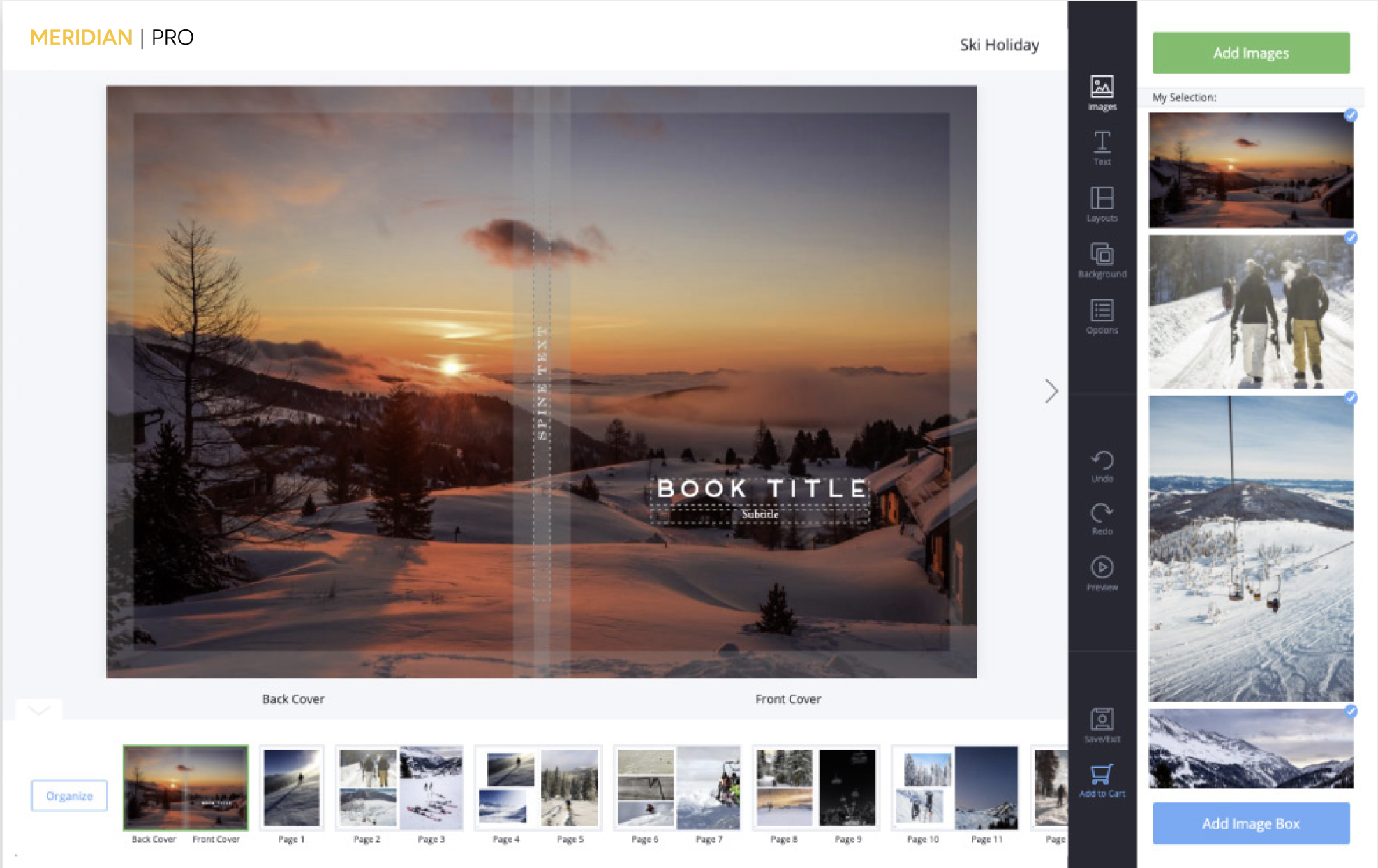
The ROES software is very intuitive, however you’ll shorten the learning curve considerably if you invest a small amount of time watching a few of these video tutorials.
Design an album, from start-to-finish, in less than 15 minutes. Good planning and design procecedures are discussed along with use of the Pager feature to create templates and custom page designs.
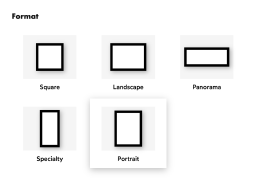
Deals with a problem new photographers sometime have difficulty understanding — aspect ratio. How to make the full image from the camera all fit in an 8×10 print.
This video outlines how to remedy the situation where the desktop shortcut has been corrupted and will result in the Java error “Unable to Launch Application” when used instead of loading the ROES client normally.
This video outlines what the first order screen really is and why it is present every time the ROES client is launched instead of just the very first time a customer attempts to place an order.
This video outlines the problem of attempting to place an order without having completed the “County” field in the customer information screen of the ROES client as well as explaining why it is required.
• One flat fee for FedEx ground shipping. Any size order. Anywhere in the U.S. • FedEx 2 day or next day shipping also available.
Layflat Books Starting at $35.99.
Unique hinged paper so the pages “lay flat” when the book is open.
• Coffee Table Books • High End Proof Books • Guest Books • Weddings • Seniors • Children • Vacations.
Training & Support
A growing library of video tutorials to help you get up-and-running as quickly as possible. Tech support videos, a FAQ system, and phone support during business hours to help you stay up-and-running. Video Tutorials Page »