Meridian Professional Imaging

Topics > ROES Ordering Software > General Usage

General Usage (43 FAQs)
Topics related to general usage of the ROES ordering software.


Top 500 FAQs For This Topic
How large should my files be?
I closed the options on the left where you pick prints, yearbooks, proof books, etc. Now it won't come back on and I don't know how to get it back either.
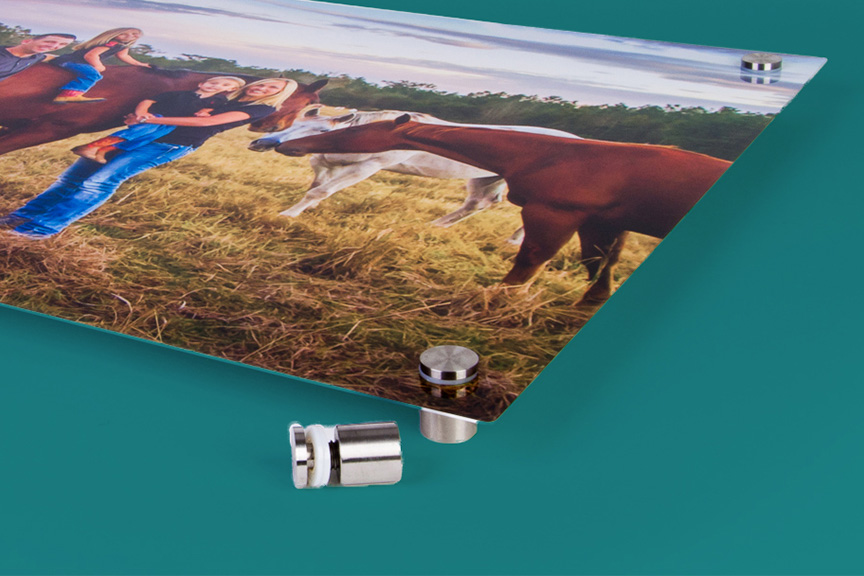
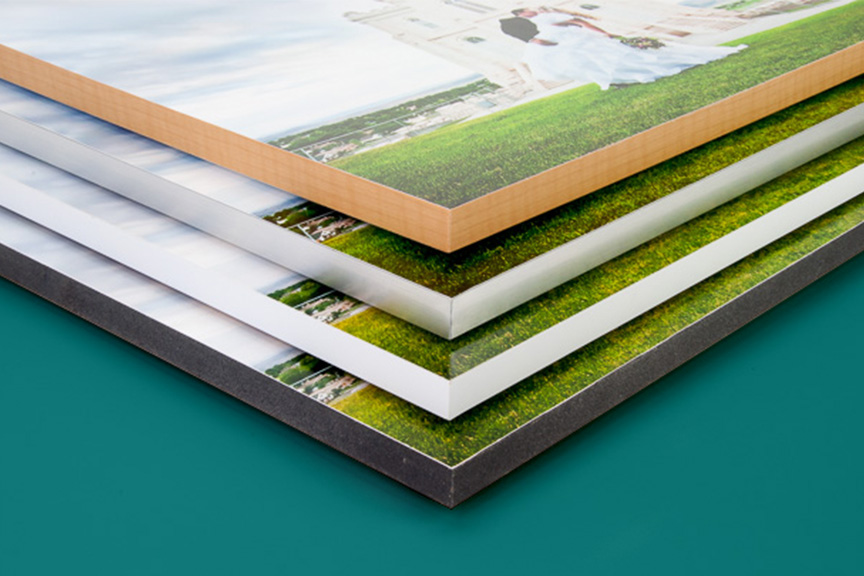
I want to print some landscape images on the metallic paper (30X40") and I don't want to frame it so what is the best mounting option to have it ready to hang on the wall when it comes from your lab? Thanks!
Do you offer RAW image processing?
New potential customer. Should I crop the photos before sending? Should I also sautrate and adjust color and contrast or just send it to you as it was taken after cropping?
How do I submit a LOGO to you to have on file to be printed on prints that I pick ? What are the size requirements ? Thanks!
I just signed up with you guys and installed your ROES software. When I click on the Folder button to retrieve photos, nothing happens. I'm running MS Vista 64-Bit OS. Do you support this OS? If not, how do I get images to you for printing? My customer number is 18546. I wanted to give you a try, but thusfar the process has not been easy. Please advise --
I'm running MS Vista 64-Bit OS. Do you support this OS?
When I downloaded the ROES software I got a message asking to give you complete control of my computer. Why do I need to do that?
Does Meridian partner with any photosharing sites....for example Zenfolio partners with Mpix and clients can order directly through Zenfolio managing my account and optional profits.
How to SAVE AN ORDER and then OPEN A SAVED ORDER. I don't see a place to store two or three separate orders. I would like to submit one order while I'm still working on another but don't want to loose the changes I've already made to the second or third order. Thanks, Dick Niles
Is there somewhere I can print off copies of your page templetes for Hard back and magazine page templetes. I want to order books, but not have to guess which templete is what #. Thank you
templates
I saw on the video how to change the color of a mask background, but it didn't state where I could go to upload them? Or do I supply my own? Thanks!
masks
I want to order from the package print menu, but I do not want anything printed on the photo, when I insert the photo it brings up a script that reads Title Will Appear Here. How do I remove this or keep it from appearing?
I am going to be using photoshop cs4 to finalize my images. I was wondering if there is anything I should do besides making sure my files are in .jpg and sRGB color profile? If I set up my document in PS as an 8"x10" size and file that canvas space up with the image or anything in that area of ps...will all that be printed? is there a bleed area I should be concerned about? Thank You.
How should I resize and crop an image for a specific print size.
The cover of the May publication of PPA is a family panoramic with your advertisement on the inside cover indicating that there is a tutorial. I've searched PPA's sight as well as yours and cannot find this tutorial. Can you help? Thanks.
panoramix tutorial
I'm unable to place my order(must be doing something incorrectly) because I can't get to Adobe PhotoShop Elements which is where I file my photos (as I usually photoshop the ones I like).
Ordering using images in Photoshop Elements
I'm still trying to do a proof book. When I get my first page done the [Add to Order] and [Review Order] options are not highlighted so I can't do either one. I'm just wondering why they aren't working on my program and how to get them working.
Another question. I presume I will be uploading full res. original images? I am presuming that you will be deciding how to crop images according to the item that is ordered? Is that correct? Or am I going to be deciding how to create the crop? Thank you again
How do existing customers sign in without downloading the software everytime, and can you not save the ordering info, credit cart info without typing it in everytime. thanks,, great company
I have downloaded the Meridian Pro but there is no "print size window" therefore I can't do anything with my pictures. How do I get that on here?
How can I supply a customer a proof, via email, before I send in my order?
My photos do not fit in to the box right... what do I need to do....
I am trying to do a poster and the text I am wanting to do needs to be solid color with an outline or shadowed. Is there a way to do this?
I am trying to order a memory mate and my group photo fits in the frame and no cropping is needed, however the individual frame is not showing the full image. Do I need to resize the individual photo and upload it again? What are the exact pixels/measurements I need to use for the memory mate? I will be ordering 15 memory mates and want them presentable. thanks.
What is the fee for the studio logo set up? I've seen $5 and I've seen $30 on your FAQ's. You've indicated that it will be in on the front, is there a sample somewhere that shows actual placement? Also, I'm assuming you would adjust the size of the logo to be proportionate with the size of the print, is that correct? ... thanks.
I already have an account number but cannot find where to log in to the roes site.
I am wanting to try your lab for the 1st time for some senior portraits. I need to add text to the wallets (first name and 2011). Do I need to do this on my own program before uploading the photos or do you have this built into your system when I can add it while ordering. I do not see anything identified as text. Thank you!
personalized wallets
We are trying to do a proof book with six images on a page. However, we can't get to the second page. We wanted roughly 30 images for this proof book and we can't seem to get past the first page.
When you click on Pro Photo and then drop down to Standard and then it shows all sizes, I am wanting to order the 24x30, question is ...24 the height and 30 the length of the picture?
How do I remove pictures from my "folder", I have pictures in them that I don't want to use--thank you
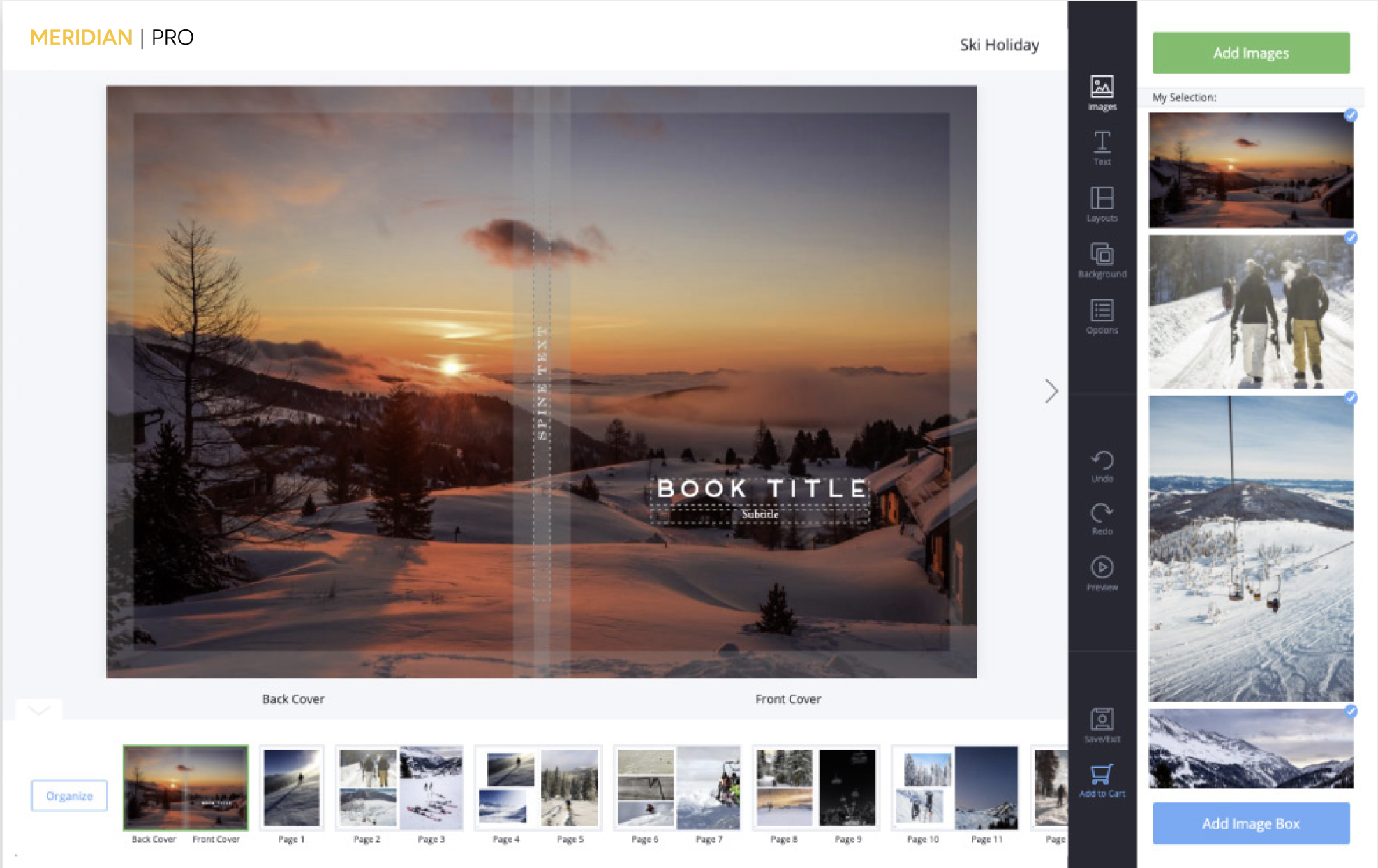
I would like to make a hardcover book. I need a set of instructions in order to accomplish setting pictures in book. Thanks. Chet
If I order a 16x20 prints will the final size of the print will be 16 1/2 x 20 1/2 including a border? Thank you lm
when under choosing a size, what does it mean when a word is followed by logo. such as pro prints with logo.
Can I order more than one hardcover book at at time? There is no quantity option.
How do I use a LOGO on my pics? Do I have to set it up and if I do, how do I set it up?
When using the pager to edit photos, I cannot find the pros mask on my computer. It is not in any of my files. Can you help with this as I would love to add masks to my photos. Thanks.
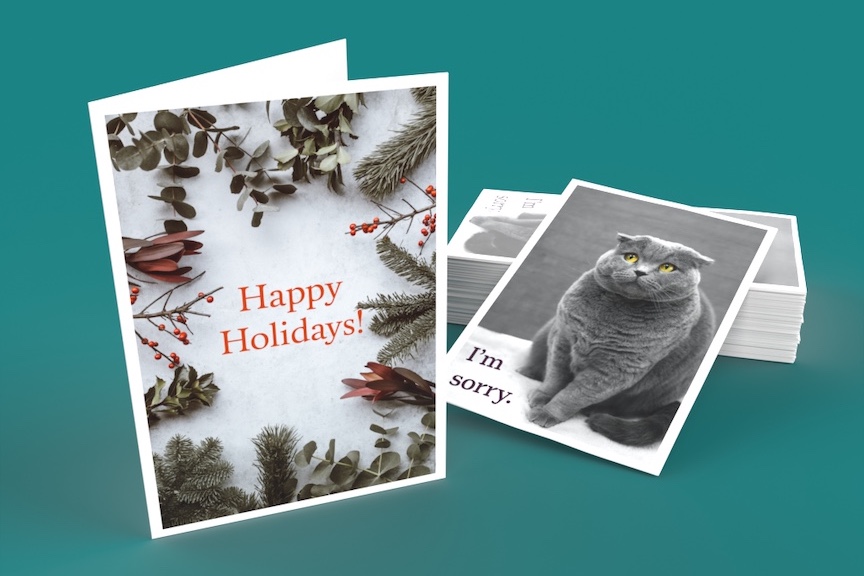
Is there a way that I can save a photo card to show my client?
render
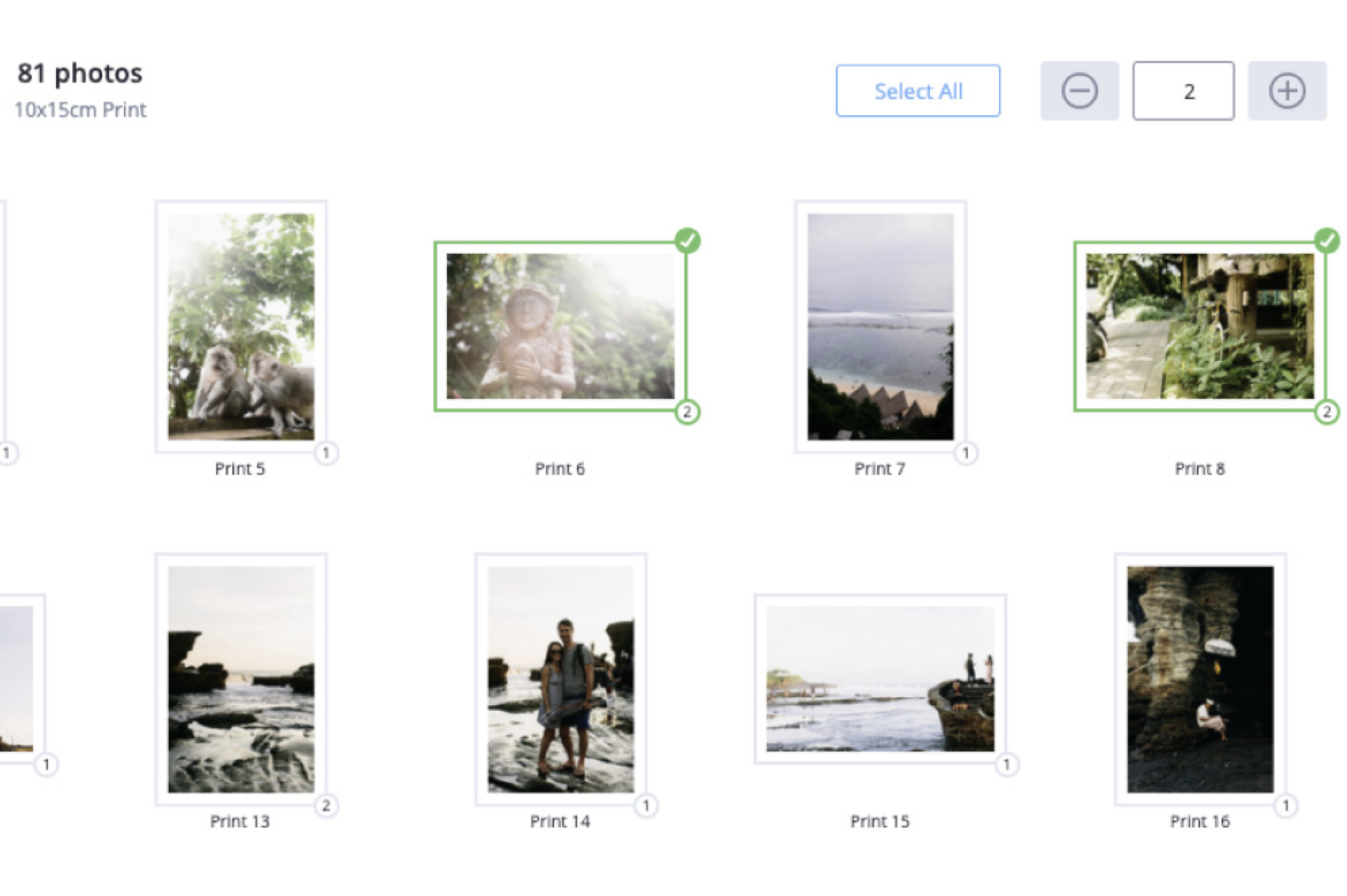
How do I change the order of the images? They did not appear in the order inw hich they are in the original file
I was working on my first order and saved it. How do I get back to my order????
how do you get the aspect ratio changed or converted to get a true 8x10 etc that has the image to the edge and not have approx a half inch of white space on each side?
aspect ratio
Used you with my desktop with no problems.....just loaded your software onto a new MacBook Pro. Can't get photos from iphoto to transfer or load into your software. Tried moving images onto desktop and transfer them from there....still no luck. When clicking on "folder" option on your order page, iphoto images are not highlighted and it will not allow you to click on any of them. Thank you for your help. ~Amy
images grayed out- Mac system
I had seen your add in the latest Rangefinder, it had mentioned double sided wallets. I can not locate where to order these in the ROES software. Could you please assist me with locating this product..Thank you!
double sided wallets, press printed

Recently Added FAQs To This Topic
I had seen your add in the latest Rangefinder, it had mentioned double sided wallets. I can not locate where to order these in the ROES software. Could you please assist me with locating this product..Thank you!
double sided wallets, press printed
how do you get the aspect ratio changed or converted to get a true 8x10 etc that has the image to the edge and not have approx a half inch of white space on each side?
aspect ratio
Used you with my desktop with no problems.....just loaded your software onto a new MacBook Pro. Can't get photos from iphoto to transfer or load into your software. Tried moving images onto desktop and transfer them from there....still no luck. When clicking on "folder" option on your order page, iphoto images are not highlighted and it will not allow you to click on any of them. Thank you for your help. ~Amy
images grayed out- Mac system
I was working on my first order and saved it. How do I get back to my order????
How do I change the order of the images? They did not appear in the order inw hich they are in the original file
How to SAVE AN ORDER and then OPEN A SAVED ORDER. I don't see a place to store two or three separate orders. I would like to submit one order while I'm still working on another but don't want to loose the changes I've already made to the second or third order. Thanks, Dick Niles
I already have an account number but cannot find where to log in to the roes site.
If I order a 16x20 prints will the final size of the print will be 16 1/2 x 20 1/2 including a border? Thank you lm
I am wanting to try your lab for the 1st time for some senior portraits. I need to add text to the wallets (first name and 2011). Do I need to do this on my own program before uploading the photos or do you have this built into your system when I can add it while ordering. I do not see anything identified as text. Thank you!
personalized wallets
How can I supply a customer a proof, via email, before I send in my order?
Search within this topic :

Back to Top