Topics >
ROES Ordering Software
ROES Ordering Software (116 FAQs)
Sub Topics
General Usage (43 FAQs)
Topics related to general usage of the ROES ordering software.
Troubleshooting (21 FAQs)
Topics related to troubleshooting a technical problem with the ROES ordering software.
Top 500 FAQs For This Topic
How do I submit my Logo for ordering prints with logos in roes?
When I transfer my photos into your software to make an order the images look oversharpened. They look much different when viewed in my editing programs. I want to make sure they aren't going to look that way when printed. Why do they look so different? What is the best way to tell how they will look when printed?
images look strange in ROES
Is it possible to have a storefront using your software, creating galleries for my clients to order from? Do you host it or can it be used on a website hosted by another company? Am I able to set my own prices that the client sees? Do you ship in plain boxes? ALL information you have on this would be helpful!
I just signed up with you guys and installed your ROES software. When I click on the Folder button to retrieve photos, nothing happens. I'm running MS Vista 64-Bit OS. Do you support this OS? If not, how do I get images to you for printing? My customer number is 18546. I wanted to give you a try, but thusfar the process has not been easy. Please advise --
I'm running MS Vista 64-Bit OS. Do you support this OS?
When I downloaded the ROES software I got a message asking to give you complete control of my computer. Why do I need to do that?
What characters cannot be used in image file names?
Software seized to work (Unable to launch the application). I have downloaded the latest Java and downloaded the software again (ROES) but still woudn't work.
Where can I go to see what "black chancery" text looks like? The text in ROES doesnt' change to this font style when you select it.
I can not drag-and-drop an image into the pane on the left. The "First Order? Please read this" screen is blocking it. How do I get past this?
Is your software compatible with a MAC? I recently moved from a PC to a Mac. I love your service...but can't find anywhere it says to download for a Mac. Please help, as I will be disappointed if I have to find another lab. Thanks,
I am unable to open my ROES software. I'm a new customer, but I've used it several times with no problems. I'm now receiving a message that says "Unable to launch application." I thought it was because I needed to update Java, which I did, but it still does the same thing. Is this a problem with the software or my computer? Is it possible to remove the software and redownload it without becoming a "new" customer? This is kind of urgent as I have several orders I need to place. Thanks!
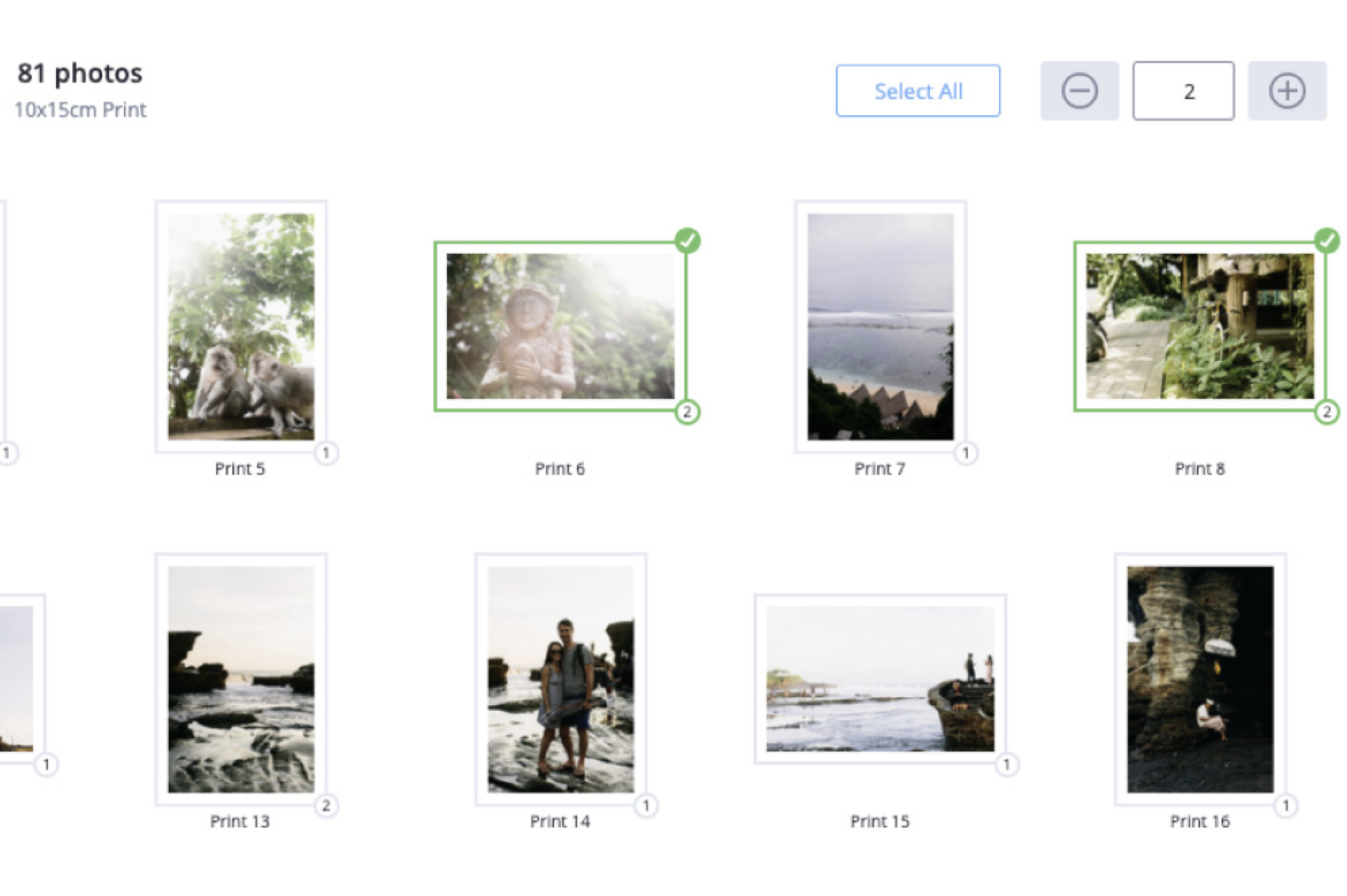
What does the number one signify that pops up in the middle of some of my photos?
How do I choose between Endura and Metallic prints when using ROES ordering software? And what is Lab prints, is that different from ROES software?
I'm unable to place my order(must be doing something incorrectly) because I can't get to Adobe PhotoShop Elements which is where I file my photos (as I usually photoshop the ones I like).
Ordering using images in Photoshop Elements
In the ROES ordering software, I have been dragging each image individually into the Layout Area and specifying the quantity to order. This can be a very repetitive and tedious process when dealing with a large number of images. Is there a means to drag all of my images into the Layout Area at one time and then specify the quantity to be ordered?
Is there anyway to get a copy of a photobook that I ordered a couple weeks ago?
pulling orders back up in ROES
Can a collage be made in the ROES software?
How do I access the 'Gallery Wrap' option from my ROES software?
I am using MacBook Pro and I store all my JPG's in I Photo. The software will not see my I Photo in Applications. And I can not choose the folder to bring my pictures into the program. I'm using I Photo 9 version 8.1.2 (424). And I'm running snow leopard 10.6.6
How do I create an ICON of the Meridian ROES on my desktop why AM I not seeing the Meridian setup under my control panel?
how do I sign on to review an order befor places it
I downloaded ROES tonight and prepared a print - but the "Add to Order" button is greyed out and does not respond. Help!
My ROES software seems to be gone. I saw a question on the FAQ's that was similar, Desktop icon gone. I can't find the icon or the program. Java updated the other day and I can't seem to find it either. Do I need to download again. I'm already a customer, will i get a new ID number and everything? What should I do? Thanks, Amy
I have installed the ROES software -- I do not have a screen that shows the print sizes to choose from and when I try to drag a picture into the screen it won't go there -- the 'first order? Please read this.' page is in there and I can't get rid of it -I am very anxious to use your service but am getting very frustrated -- I tried uninstalling and reinstalling but it brings up the same page with the folder that was chosen before I uninstalled. Can you help????
How can I create a ROES desktop shortcut if I skipped the option during the initial launch?
I want to spiral bound 4x6 prints, and I can't figure out how to do it in your Roes System.
Can I show an preview of an album for approval to a client without showing the client the price
Is there any way to edit your pictures on this software? If so how do I do it?
I am trying to order a Press Printed 11x17 poster (10 units) and only want an image on the front - nothing printed on the reverse. However, I am unable to add the item to the order with a single image. Please let me know how this can be accomplished. Thanks.
I am wanting to order a collage I have made in the size of 20X20. It show's to fit and looks good when I uploaded it .I just want to make sure that is what it will look like when I get it. I don't want the pictures on it to be blurry when I get it.
I am using the program for the first time, and I cant get the image that is automatically sent by your company off so I can view the images that I have dragged to that area. Please advise. Thank you
I want to order a large sale print but can't fing the "specials" tab. Where is it?
I have put images into a product but the Add to Order button is not selectable – how do I add it?
Every time I click on the link in the email you sent to install ROES, it doesn't work. I get a "This tab is being recovered" error or it shuts down my browser completely. What should I do about that?
Concerned about security. My Microsoft program can not verified your Meridian signature. Why won't it? At the end of my order it asks me if I want your software to color correct the pictures. What does this do? You improve the focus on the pictures we send. About what degree do you increas the focus?
verifying software signature
CAN YOU DESIGN A LAYOUT IN LABPRINTS...AND THEN HAVE IT PRINTED IN ROES??? IF SO THAT WOULD BE AWESOME!!!!!!!! NEED TO KNOW ASAP.
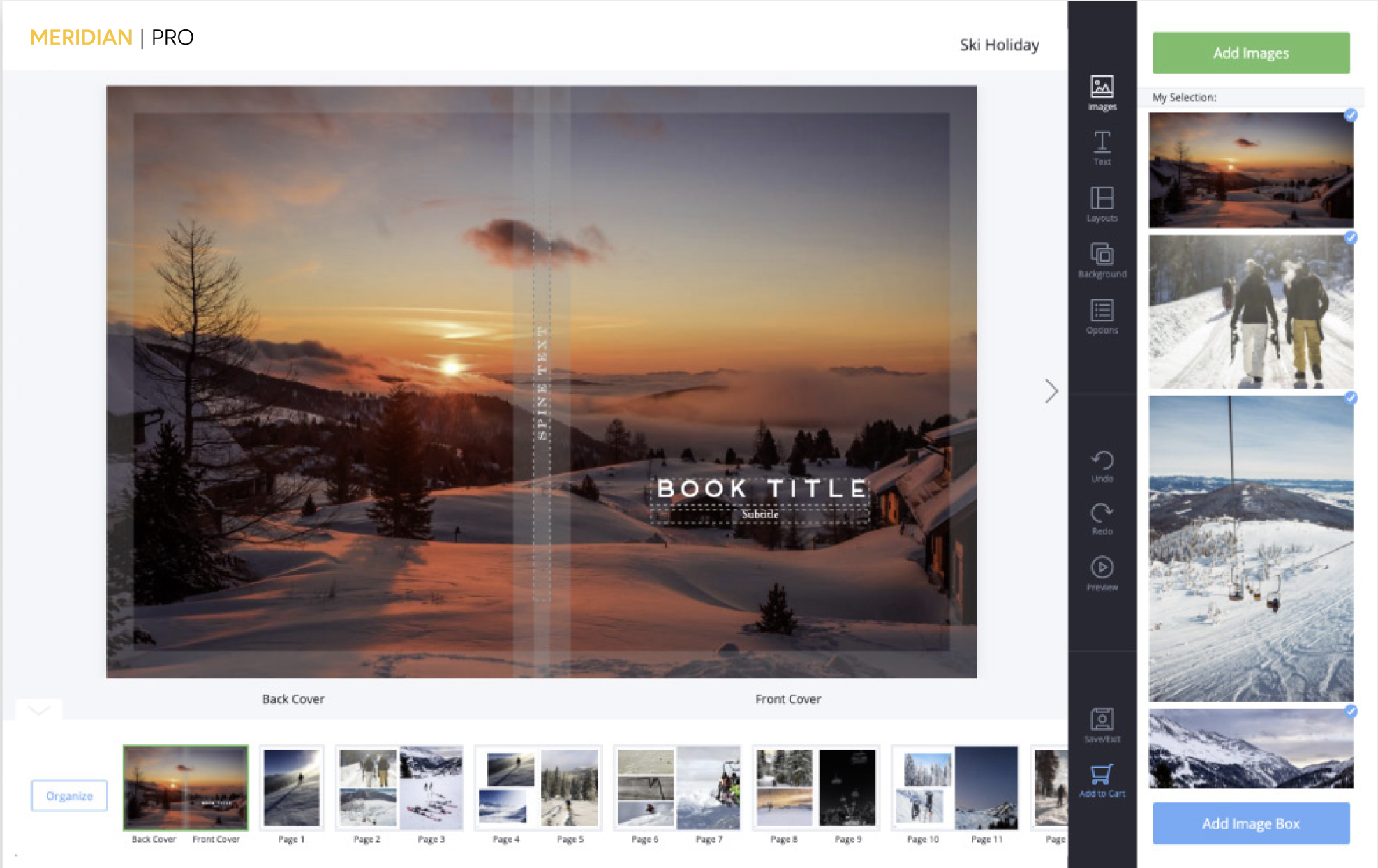
I downloaded the software, built a great album, how do I submit the order? I saved it in a file and printed a preview of the album. I did not see a submit link in the software. Thank you
I want to order spiral binding for 4x6 proof prints. I need 4 different books and each book will be different. How do I order the books so you will know which pictures to place in each book?
What are the system requirements to run the ROES Client?
I followed the steps in your FAQ#48 to create 10X10 photos with 1/4" borders. I had the same pictures printed on regular Endura and metallic paper. The pictures on the metallic paper came out with 1/4" borders, but the ones on Endura paper had borders closer to 5/16". How do I ensure that future prints will have 1/4" borders? Should I create the borders in Photoshop rather than trying to do it with the ROES software?
If I use Picassa to make scrapbook page will you still do the color check on my images?
I have a question concerning placing an order. I do I request the print be preoduced on Metallic paper?
how to order metallic prints
In the software is there somewhere you can sharpen or glare images(so they look soft)? How is that done in the software? Also can you print black and white photo with only one thing in color? How do you do that in the software?
In FAQ ID#395, you say that you can drag JPGs from a folder directly into ROES. In another FAQ you also mentioned that you can drag JPGs into ROES directly from photo editing software. However, there's no mention of Aperture photo editing software and whether it's possible to drag photos from Aperture into ROES. Is it possible to drag JPGs from Aperture into ROES, without first having to export the JPGs from Aperture into a folder?
I whant to oder an album. when i open ROES and i click on albums templetes it does not give me an option to pick what kind of album i whant or any other options, it just goes straight to the templetes. I'm i doing something wrong? I'm i skeeping a step? please help.
albums
Do you have a way to order without ROES? Or does ROES work with Linux/Unix?
After downloading the ROES software, I found that the 'Professional Print Sizes' colomn on the left is missing. How do I get that when I open the software?
I'm using Mac OSX 10.6.8 and having trouble launching the ROES software.
How do I make a calendar with your software?
calendars
When I try to send my order it times out and I get the message "send errend, waiting to retry. connection timed out: connect" I have updated my java.
I've received ROES updates from two other labs regarding Java software problems. Is there an update for your software too? Having an order ready, I will not poceed without your go ahead to submit. Thank you, Mike Saenz
JAVA/ ROES
Recently Added FAQs To This Topic
I'm using Mac OSX 10.6.8 and having trouble launching the ROES software.
I've received ROES updates from two other labs regarding Java software problems. Is there an update for your software too? Having an order ready, I will not poceed without your go ahead to submit. Thank you, Mike Saenz
JAVA/ ROES
How do I make a calendar with your software?
calendars
When I try to send my order it times out and I get the message "send errend, waiting to retry. connection timed out: connect" I have updated my java.
After downloading the ROES software, I found that the 'Professional Print Sizes' colomn on the left is missing. How do I get that when I open the software?
In FAQ ID#395, you say that you can drag JPGs from a folder directly into ROES. In another FAQ you also mentioned that you can drag JPGs into ROES directly from photo editing software. However, there's no mention of Aperture photo editing software and whether it's possible to drag photos from Aperture into ROES. Is it possible to drag JPGs from Aperture into ROES, without first having to export the JPGs from Aperture into a folder?
Do you have a way to order without ROES? Or does ROES work with Linux/Unix?
If I use Picassa to make scrapbook page will you still do the color check on my images?
I want to order spiral binding for 4x6 proof prints. I need 4 different books and each book will be different. How do I order the books so you will know which pictures to place in each book?
I whant to oder an album. when i open ROES and i click on albums templetes it does not give me an option to pick what kind of album i whant or any other options, it just goes straight to the templetes. I'm i doing something wrong? I'm i skeeping a step? please help.
albums
Search within this topic :