![]() |
| Last Update : 2012/03/28 Rating : Not Rated |
Social Bookmark this Article : |
| Question / Issue |
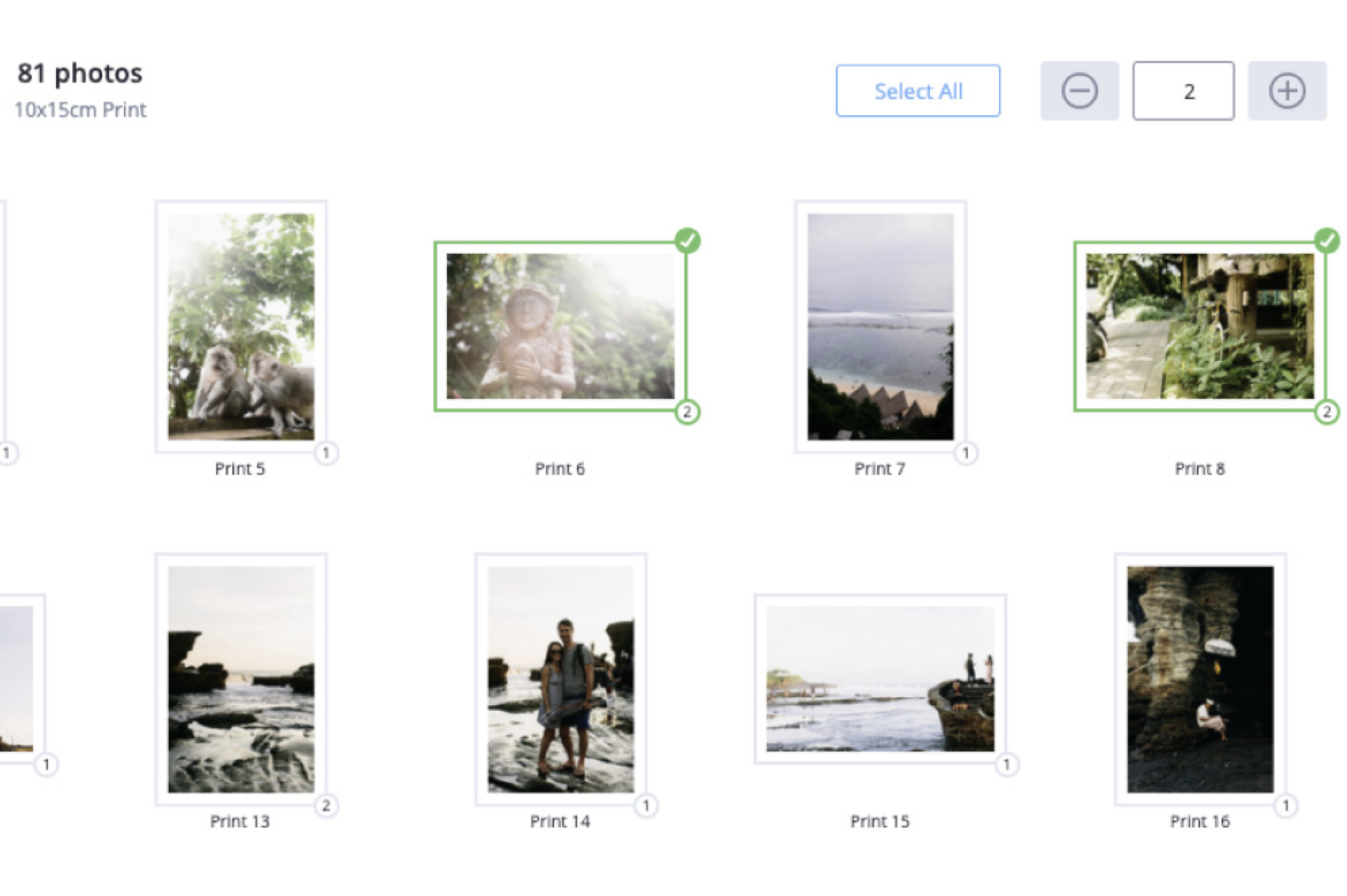
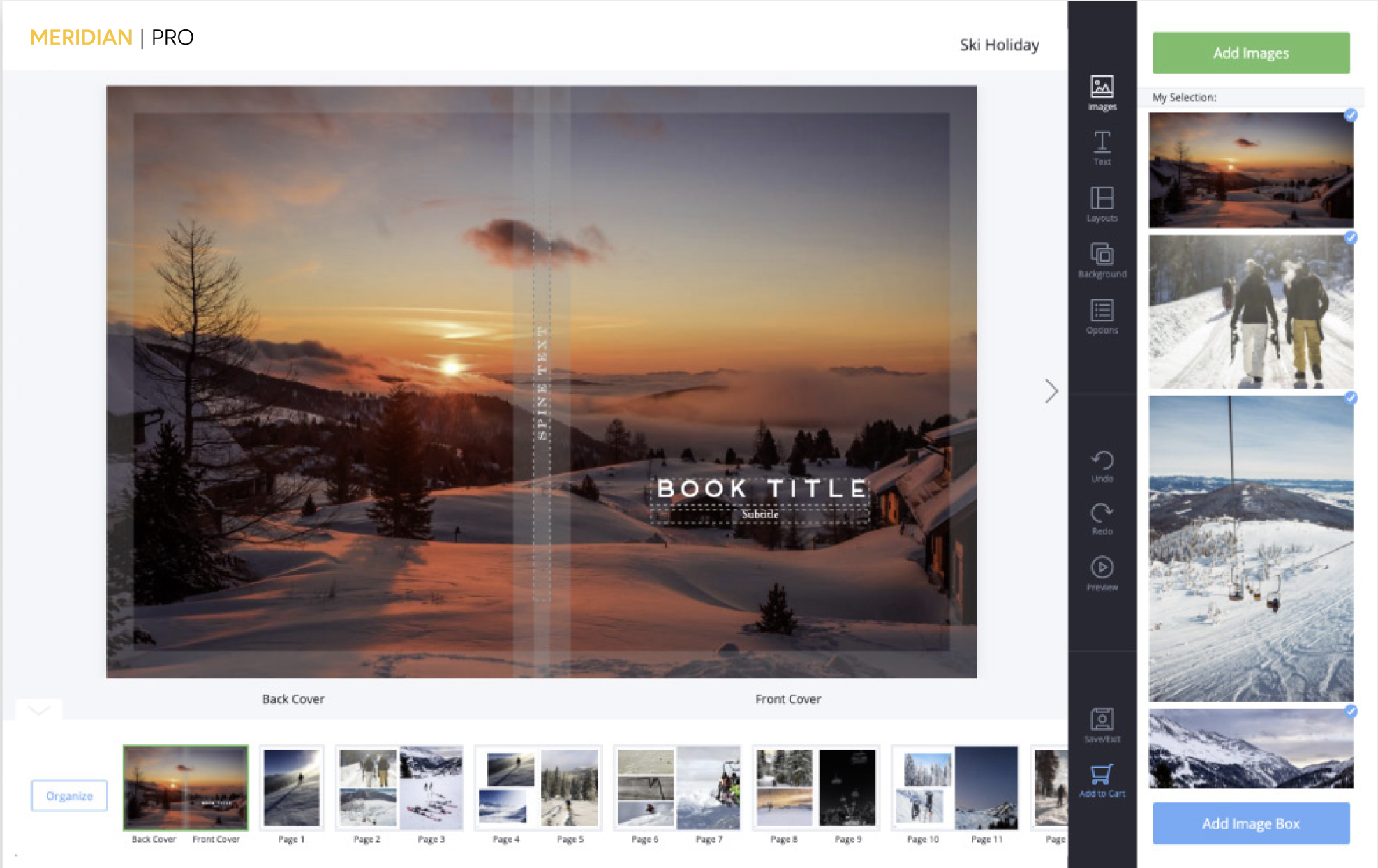
| I am trying to order images i have edited in Photoshop Elements using sRGB colorspace. When I load them into ROES to order, some images are significantly under saturated and the color is off. How can I correct this? |
| Answer / Solution |
The view you see in the ROES software is not necessarily color accurate to the way your image will print. The ROES ordering software does not have any controls for monitor profiles or viewing profiles. It is intended as a simple interface for ordering prints. When working in the sRGB color space, I would think the difference of how an image looks in ROES or in the image editing app you use would be very similar. However, if there appears to be a significant difference, I would trust the view I get in the image editing application over the ROES app. We hope this information helps answer your question. If you have further questions, please contact us again through our FAQ system, or feel free to call us during business hours. MeridianPro, Customer Service Business Hours Phone: 800-544-1370 email: info@meridianpro.com |
| Direct Link to This FAQ |
| http://www.meridianpro.com/faq/?f=699 |
| Tags |