ROES is the most widely used ordering software by professional labs and their customers for a number of reasons:
- No more re-sizing or re-rezing image files.
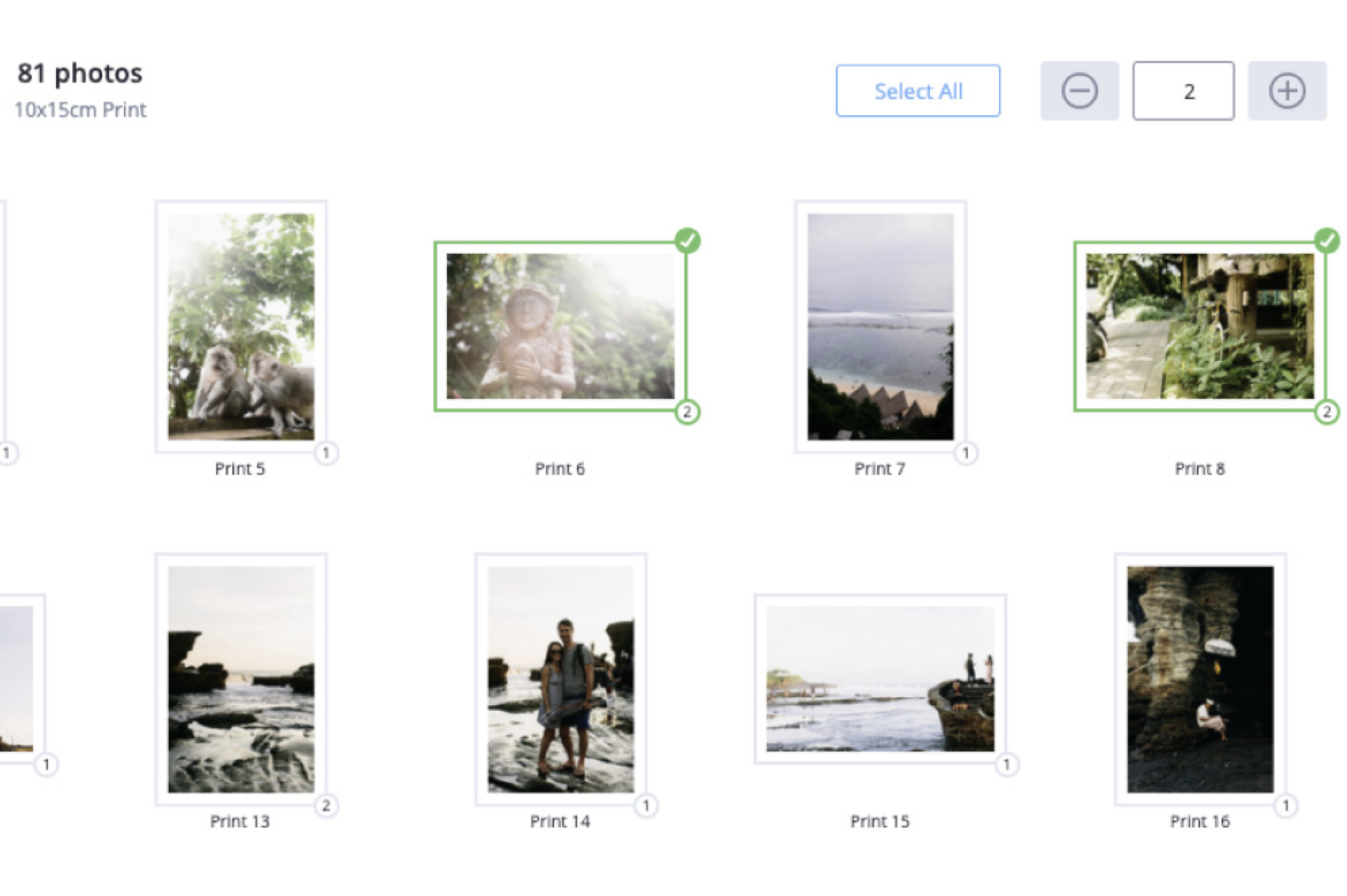
- Crop images, add text, add vignettes, order mounting, laminating, and texturing options, on an individual print-by-print basis, and all without leaving the ROES software.
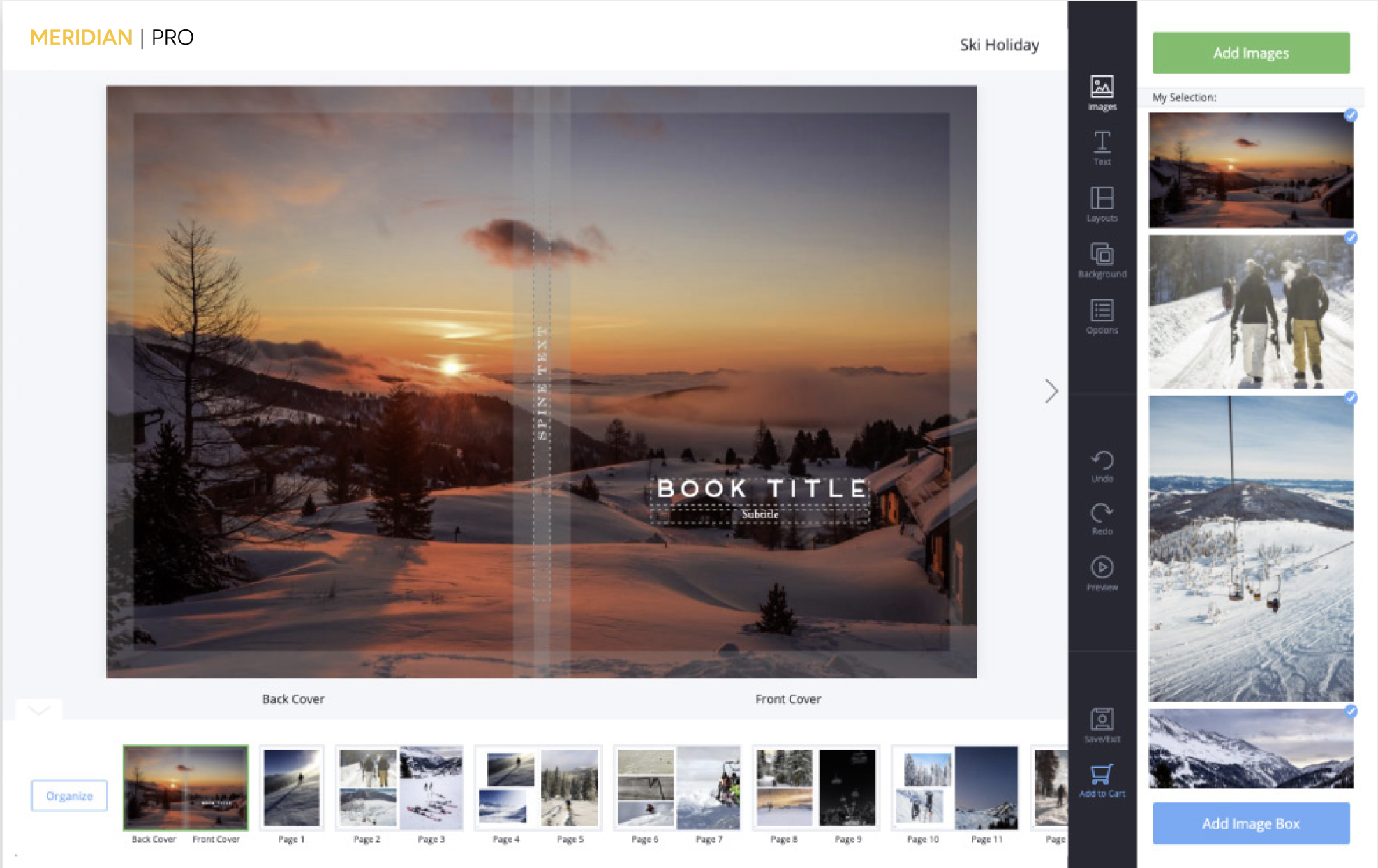
- Build proof books fast: add all images to a multi-page proof book with a single drag-and-drop from any folder on your computer.
- Wedding album pages can be built on a wide variety of pre-exisiting templates or you can design your own.
- Order package work, and even create your own custom packages.
- Studio logo can be added to prints (set up of your logo required to make this feature available).
- Secure ordering. Your images and customer information (including any credit card information is packaged together in a encrypted digital file that is sent to our lab as you complete the order.
- ROES is provided to you free of charge. Licensing fees have been paid by MeridianPro.
Quick Start »
First time users of the ROES ordering software will benefit from investing only 5 minutes to watch this video.
ROES works on both Windows and Mac.
Windows® PC requires:
- Pentium III 600 processor.
- 256 Mb of RAM.
- 5 GB of free hard drive space.
- Windows 2000, XP, Vista, or 7.
- Both 32-bit and 64-bit systems supported.
- Java version 1.4 or later required.
- Removal of older Java versions and a fresh installation of the latest 32-bit edition of Java is strongly recommended, even for 64-bit users.
- High speed internet connection required for uploading digital files to Meridian, or a DVD burner to write your orders and images to disk then ship it to the lab.
Macintosh® minimum hardware requirements:
- OSX 10.6.4 or higher operating system.
- 2 GB of RAM.
- 5 GB of free hard drive space.
- Most current version of Java (Version 7 update 21 as of 08May2013).
- High speed internet connection required for uploading digital files to Meridian, or a DVD burner to write your orders and images to disk then ship it to the lab.


Catalog
Get Started